
In this review, we’re benchmarking the Origin Genesis ~$6000 pre-built gaming computer with full custom loop water cooling. Origin is owned by Corsair, and the pre-built we’re reviewing uses a mixture of Corsair components with boards from other brands. Its main problems include incorrect CPU configuration that costs over 20% of the native performance, bad fan speed configuration, bad custom paint job, and more. On the upside, the cable management is very impressive — we’ll have a separate tear-down showing some of that.
Author: Mr. Robot
For most laptops, typically ThrottleStop or UXTU is the best choice to get temps under control.
For ASUS laptops, there is a tool called G-Helper that’s designed specifically for ASUS and to replaced the bloated ASUS components that waste system resources and infringe upon your privacy, in addition to providing undervolting & fan curve control.
Recommend to wipe and reload windows then avoid installing all ASUS apps for optimal system performance.
GitHub – seerge/g-helper: Lightweight Armoury Crate alternative for Asus laptops. Control tool for ROG Zephyrus G14, G15, G16, M16, Flow X13, Flow X16, TUF, Strix, Scar and other models
2013-2017 Macs can easily run the latest macOS with OpenCore


2008-2020 Macs can easily run a secure OS with chromeOS Flex

SSD Upgradeable Macs:
2012-2015 13″ & 15″ models
2016-2017 13″ w/o Touch Bar
For more details on compatibility visit Laptops
Want to Upgrade? Submit a ticket
Stage Ⅰ: Prepare Installer
- Plug in a 16GB or larger USB 3.0 thumb drive with nothing important saved on it as it will be erased.
- Download the latest
OpenCore-Patcher-GUI.app.zipfrom https://github.com/dortania/OpenCore-Legacy-Patcher/releases - Once downloaded, launch the app and you will be greeted by this menu:

- First, we’ll want to select the “Create macOS Installer” button. This will present you with 2 options:

- Choose Download macOS Installer. Selecting this option will download Apple’s Installer Catalogs and build a list for you to choose from, choose the latest version which may differ from below:

This will download and install the macOS installer to your applications folder. - Once finished, you can proceed to write the installer onto the USB drive.
- Note: The entire USB drive will be formatted
- Note: The entire USB drive will be formatted
- Select the Downloaded Version of macOS
- Now the patcher will start the installer flashing:

- Success Prompt:

- Finished Flashing:
- Return to Main Menu
Stage Ⅱ: Build OpenCore
- Now that we have a macOS installer, let’s now build our OpenCore configuration.
- Select Build and Install OpenCore and start building:

- Finished Building:

- Select the Install to Disk button, then select a drive:

- Select Partition:

Stage Ⅲ: Boot & Install
- Reboot the machine while holding
Option - Select the EFI Boot entry with the OpenCore icon (holding the
Controlkey will make this the default boot entry):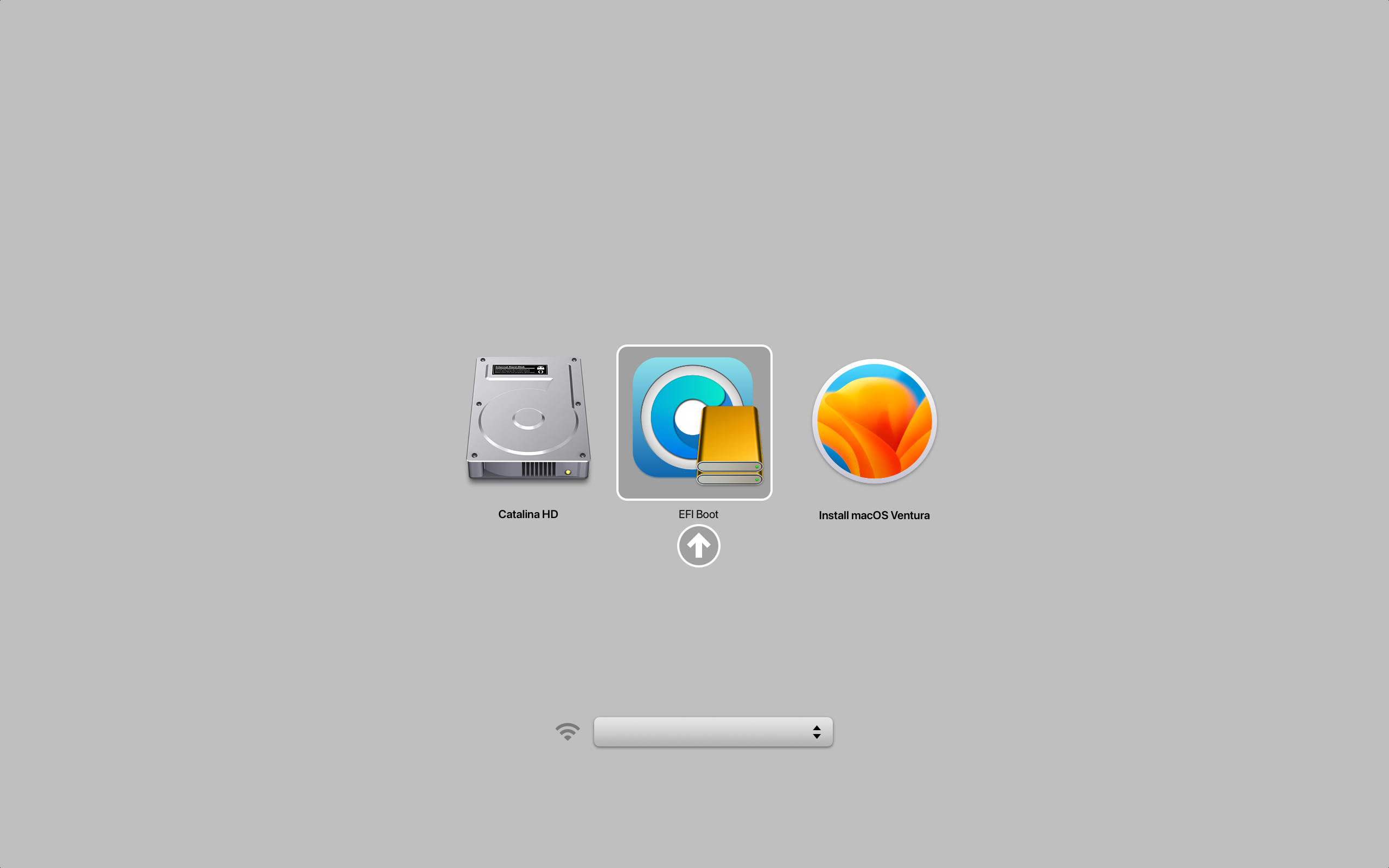
- Now that you’ve loaded OpenCore, select Install macOS:

- You will soon reach the installer screen. From there, it’s just like any normal macOS install.
- If you want to keep your data and settings, just install macOS.
-or- - If you want the system to be wiped, erase the drive in Disk Utility then proceed with installing macOS.
- If you want to keep your data and settings, just install macOS.
Stage IV: Post-Installation
- OCLP will now automatically prompt you to root patch your system:

- You will also be prompted to install these patches after macOS updates.
- Whenever you see this prompt, you must apply the patches then reboot as prompted.
- I recommend to also update the OCLP patcher app after any macOS update, please follow my guide How to Reinstall Root Patches on Unsupported Macs
- You will also be prompted to install these patches after macOS updates.
- Launch Finder > Applications then launch OpenCore Legacy Patcher
- Choose Settings
- Uncheck setting circled in red:

- Build OpenCore again just like in Stage 2 except this time choose the internal drive, NOT the USB.
- Now you no longer need the USB drive.

- Many of the ASUS and MSI models sold there are specifically ineligible for warranty extension.
- Apple, Acer, HP, Dell / Alienware, Lenovo, and LG on the other hand do offer extended warranties.
- If the manufacturer of the system won’t offer to extend the warranty on it then you shouldn’t buy it.
- See Laptops – Mr. Robot for more information.
- See Laptops – Mr. Robot for more information.
- Gaming laptops typically fail or have issues within year 2 and year 3 of ownership so the included 1 year warranty is usually useless.
ASUS Premium Care is not compatible with refurbished, open box, international, or products purchased from Best Buy.
ASUS Premium Care Terms
MSI Care applies to laptops, desktops, all-in-one pcs, and monitors only. Not all services are available in all countries. Regional and product eligibility applies. Best Buy purchases are not eligible.
MSI Care Terms
There are a LOT of ways to mess up a gaming PC build . Here are the worst ones that I’ve come across over the years.
To ensure compatibility with certain UEFI SBIOSes, an update to the NVIDIA GPU firmware may be required. Without the update, graphics cards in certain motherboards that are in UEFI mode could experience blank screens on boot until the OS loads. This update should only be applied if blank screens are occurring on boot.
The NVIDIA GPU Firmware Update Tool will detect whether the firmware update is needed, and if needed, will give the user the option to update it.
If you are currently experiencing a blank screen, please try one of the following workarounds in order to run the tool:
- Ensure you are using the latest SBIOS from your motherboard vendor
- Change boot mode from UEFI to Legacy/CSM
- Boot using an alternate graphics source (secondary card or integrated graphics)
- After powering on your system, wait for your operating system to load with the graphics driver installed
Once you have the tool downloaded, please run the tool and follow the on-screen instructions. Ensure all apps are closed before running the tool and make sure no OS updates are pending in the background. This tool can be used with Founders Edition as well as partner cards.
Source: https://nvidia.custhelp.com/app/answers/detail/a_id/5411/~/nvidia-gpu-uefi-firmware-update-tool
We’re hugely disappointed in Skytech for not only dropping the ball, but also failing to recognize what went wrong when the answer was right in their faces. Skytech has done well in the past, but after this experience, it’s clear that the company needs some more SOPs and quality control internally for their staff. This was a $5,000 computer after shipping, making it one of the most expensive we’ve ever reviewed, and it’s arguably worse even than Alienware’s R13 efforts. The Skytech Mark 9 had backwards fans, was tested with the fans installed that way at the production line, has a bent cooler, some bloatware, and other issues. XMP isn’t even on and BIOS isn’t configured right.
In this post we will show you how you can modify the BIOS of a Dell OptiPlex 3010, 7010 or 9010 so that it can support an NVMe SSD drive as a boot device. This is a follow up to a post Paulie did on how boot a Dell OptiPlex 7020 with an NVMe drive.
Paulie also wrote an upgrade guide for the Dell OptiPlex 7010 which showed how to use Boot Disk Utility to boot from an NVMe drive by using a USB Stick. The method described in this post will allow the machine to boot natively without the need for any additional hardware.
Read his article here for instructions:
Install and boot from an NVMe SSD on a Dell OptiPlex 3010, 7010 or 9010
After updating macOS on a Mac with OCLP, you’ll need to reinstall root patches or the system will not function correctly.
You should receive a prompt to do it automatically:
If you clicked OK and rebooted as prompted, and performance is good, then nothing further is needed and you can skip the guide below.
If you have ignored it or clicked cancel, or completed it but are having performance issues, follow the guide below.
- Open Finder > Applications > OpenCore-Patcher
- Post-Install Root Patch
- Start Root Patching
- Reboot when prompted
For those running OCLP 0.6.8 or older ONLY
If the system was serviced prior to this release which is July 26 2023, follow the steps below FIRST then proceed with the above.
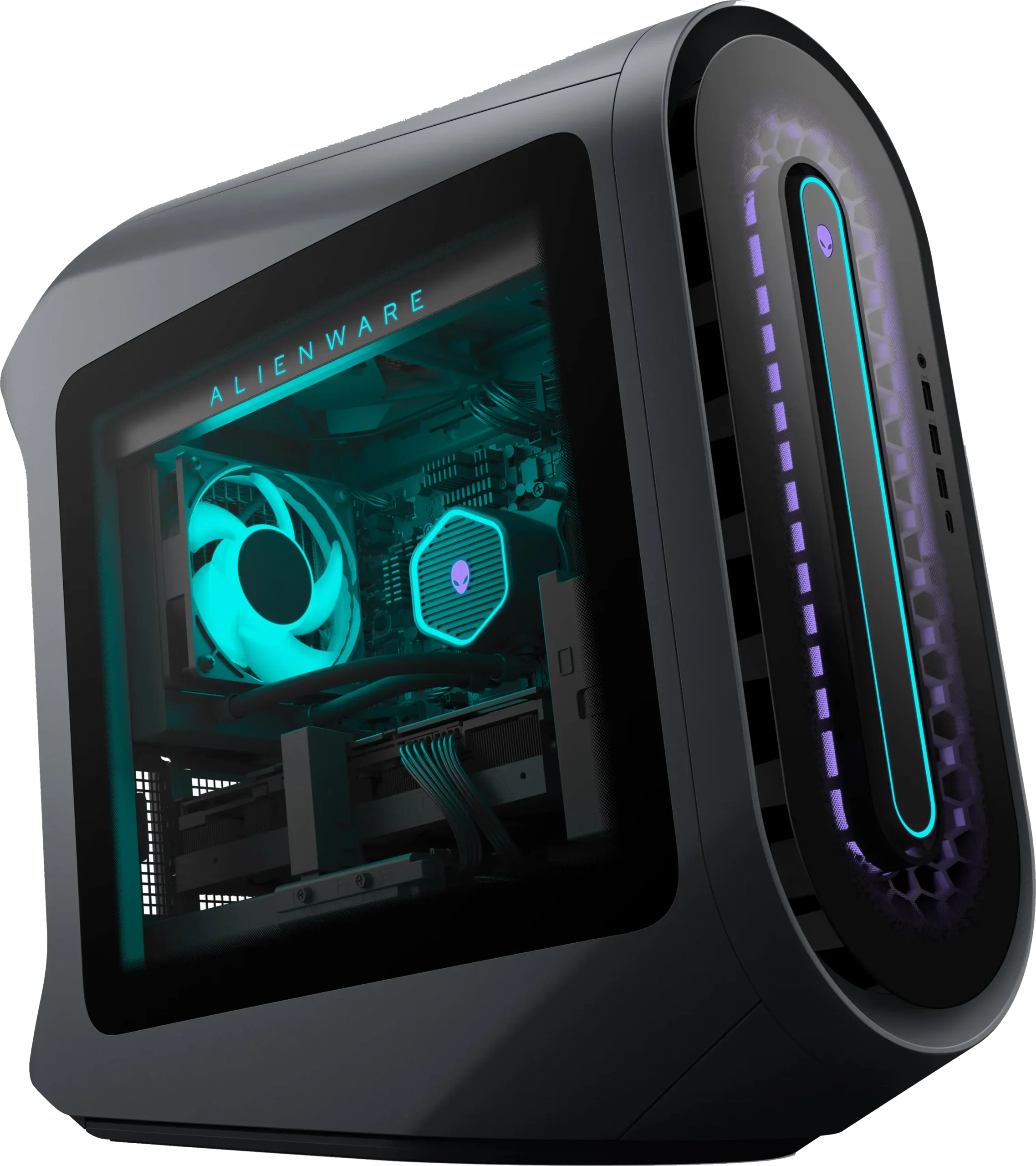
– Alienware Employee
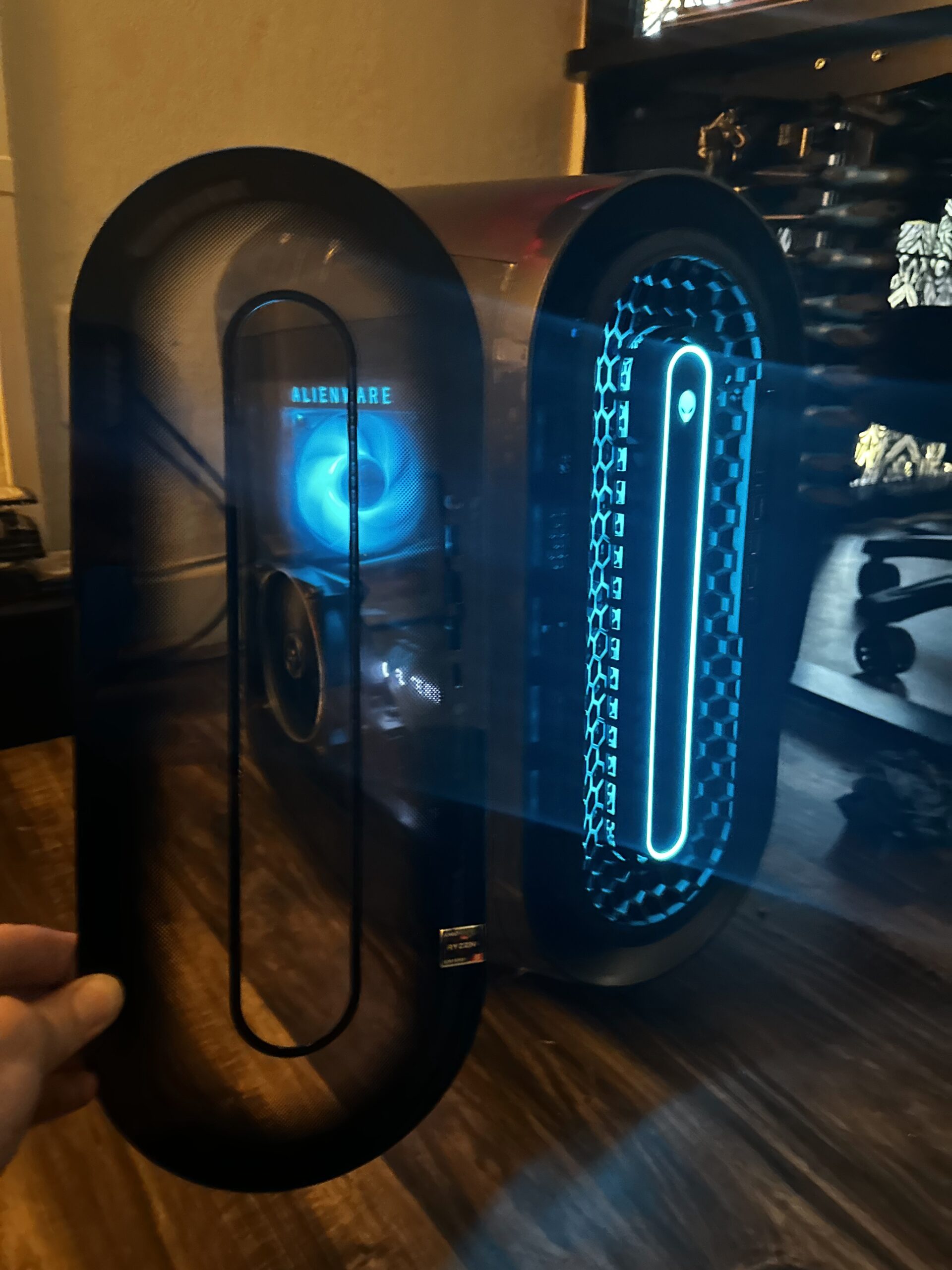
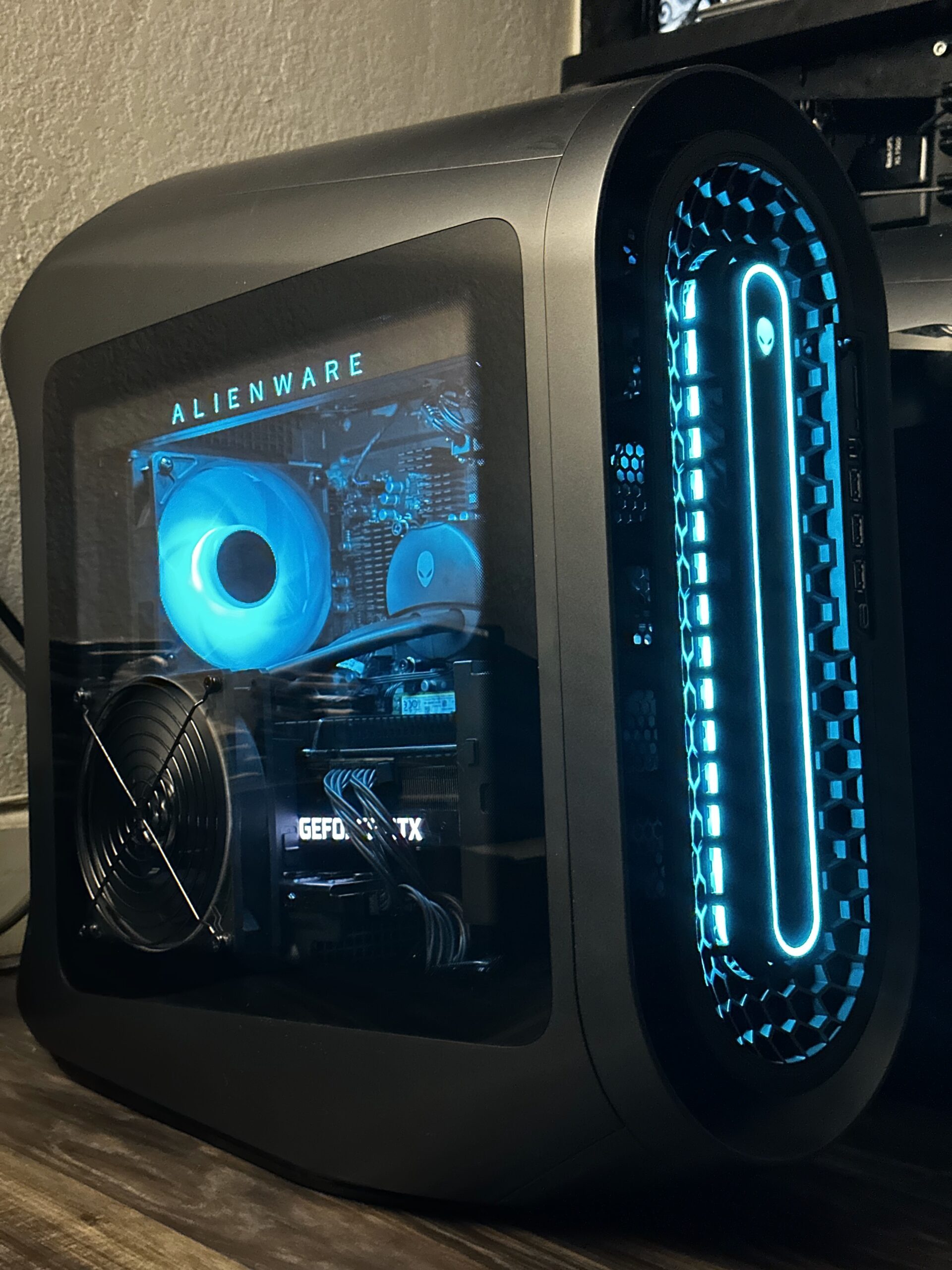
Are you an unlucky Alienware Aurora owner?
I offer front panel and side panel modification service for significantly lower operating temperature, noise, and increased lifespan.
To get started, submit a ticket.